More About User Interfaces
Whether you're developing a mobile application, designing a SaaS platform, or building a professional website, the right user interface can make all the difference.
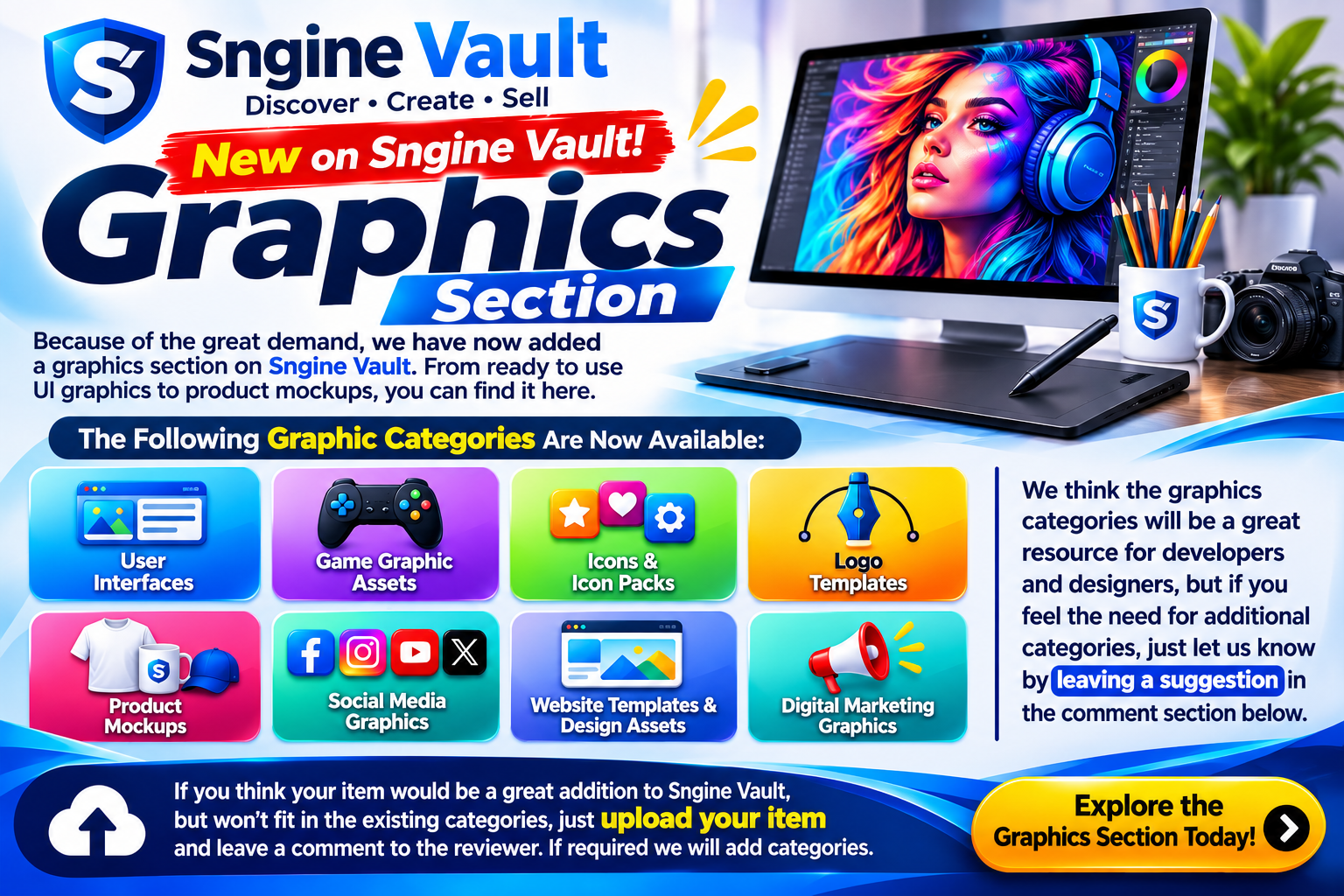
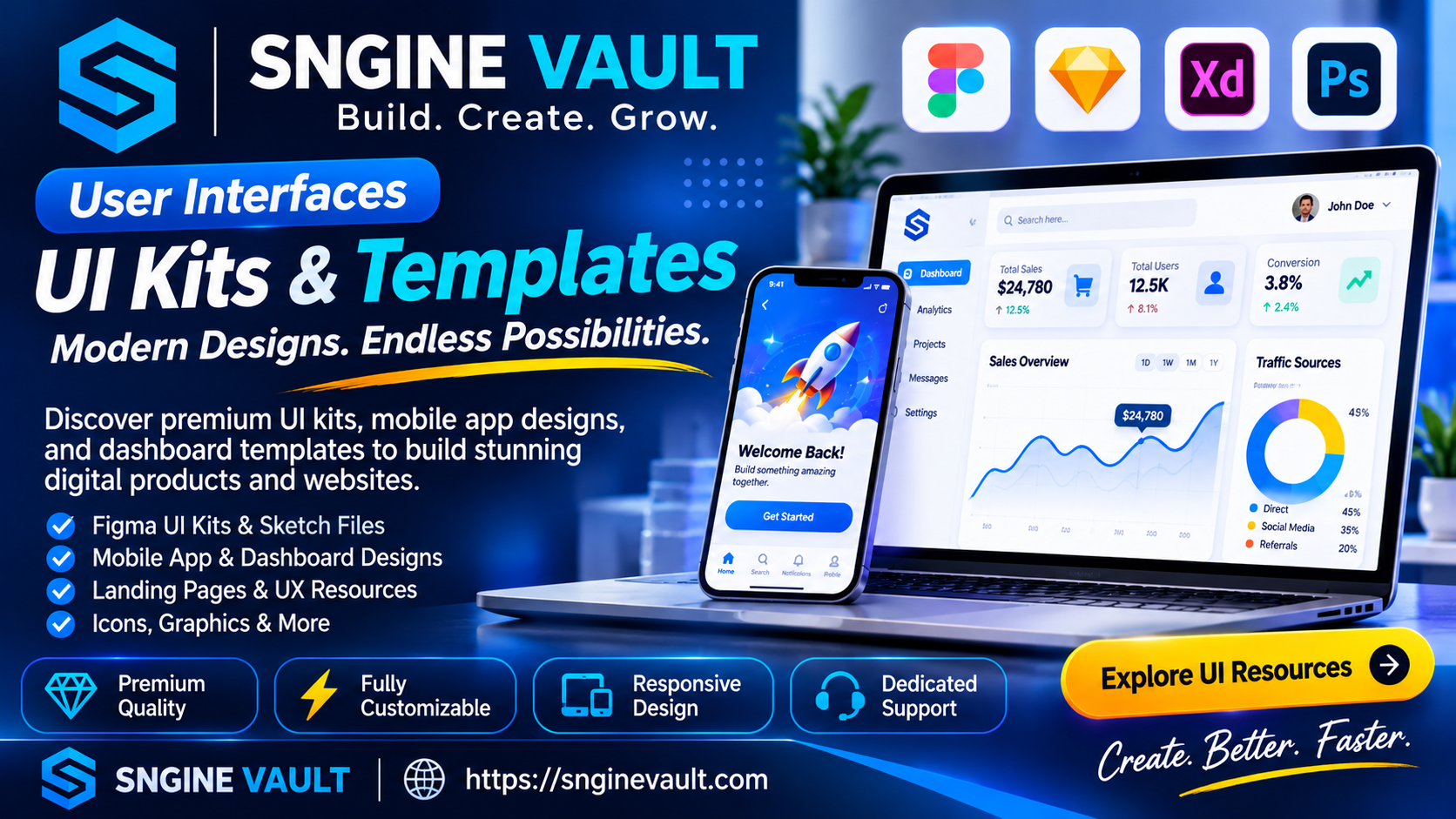
At SNGINE VAULT, discover a growing collection of professionally designed UI kits, mobile app interfaces, dashboard templates, and user experience resources created to help developers, designers, and businesses bring their ideas to life.
Explore modern Figma UI kits, Sketch resources, dashboard designs, and mobile app layouts that you can customize to match your project. From clean and minimal interfaces to bold, creative designs, find practical resources that help you work smarter and build better digital experiences.
Whether you're working on a client project or launching your own software product, SNGINE VAULT helps you discover digital design assets that save time and keep your projects looking consistent.
What You'll Find in Our User Interface Collection
Explore a variety of digital design resources, including:
-
Figma UI Kits: Professionally organized interface elements for websites, applications, and software products.
-
Mobile App UI Designs: Modern layouts designed for mobile applications and responsive experiences.
-
Dashboard Templates: Clean and functional dashboards for SaaS platforms, admin panels, and business applications.
-
Editable Design Files: Resources compatible with tools such as Figma, Sketch, Adobe XD, and Photoshop, depending on the product.
-
Landing Page Designs: Ready-to-customize layouts for product launches, business websites, and online services.
-
UX/UI Design Resources: Components, wireframes, typography, and reusable design elements.
-
Icons and Graphics: Visual assets that complement your interface and help create a consistent design system.
Where Can You Use These UI Kits?
User interface resources can support almost any digital project. They're especially useful for:
-
Mobile applications
-
SaaS platforms and dashboards
-
Business websites and landing pages
-
Admin panels and management systems
-
Website and app prototypes
-
E-commerce platforms
-
Software interfaces
-
Complete design systems
Whether you're creating a simple prototype or developing a full-scale application, the right UI resources can help streamline your workflow.
Formats & Compatibility
Many UI kits and design resources are available in popular editable formats, including:
-
Figma
-
Sketch
-
Adobe XD
-
PSD (Adobe Photoshop)
Available formats vary by product, so always review the individual listing for compatibility details.
Some resources also include reusable components, symbols, layouts, buttons, input fields, navigation elements, and design styles that make customization easier.
How to Choose the Right UI Kit
Choosing the right design resource can save time and help maintain consistency throughout your project.
Before selecting a UI kit, consider:
-
Responsive Design: Make sure the layout works across different screen sizes.
-
Readability: Check that typography and interface elements remain clear.
-
Customization: Look for editable layers, organized components, and flexible design options.
-
Consistency: Choose a visual style that can work across all your screens and pages.
-
Compatibility: Confirm that the included files work with your preferred design software.
-
Scalability: Select a design system that can grow alongside your application or business.
Quality Checklist Before Using a UI Kit
A well-organized design resource can make your development process much easier. Before committing to a download, take a moment to review the following:
-
Open the original source files and check for missing assets.
-
Review spacing, alignment, colors, and typography.
-
Make sure text and important design elements are editable.
-
Check whether buttons, cards, forms, and navigation elements are reusable.
-
Review the organization of layers, groups, and components.
-
Test color contrast to ensure important interface elements remain readable.
Taking a few minutes to review a design kit can help prevent unnecessary adjustments later.
Tips for a Better UI/UX Workflow
Keep your design projects organized by creating a dedicated assets folder for each project. Preserve the original downloaded files and make your customizations in separate working copies.
Use reusable components wherever possible, maintain consistent naming conventions, and organize your design elements into logical groups.
For example:
-
ui/button_primary -
ui/navigation -
ui/forms -
icons/outline/settings
For vector graphics, consider SVG exports for scalable visuals. For raster images, pay attention to image resolution and compression to maintain quality without slowing down your application.
Practical Tip: Before choosing a UI kit, test it with your actual project content. Replace sample headlines, buttons, images, and form fields with your own. If the layout still looks balanced and professional, you've found a strong foundation.
Frequently Asked Questions
Can I use UI kits for both mobile apps and websites?
Yes. Many UI kits include responsive layouts and reusable components suitable for mobile and web projects. Always check the individual product description for supported layouts.
Are Figma-ready design files available?
Many UI resources are available in Figma, Sketch, Adobe XD, or PSD formats. Check each product listing to confirm the included files.
How can I maintain consistency across my application?
Choose a design system and maintain consistent typography, spacing, colors, and reusable components throughout your project.
Can I customize downloaded UI kits?
Customization depends on the included source files and product license. Review the product details and licensing terms before using any asset.
Explore More Digital Products on SNGINE VAULT
Looking for more resources to complete your next project? Explore other digital product categories available through SNGINE VAULT:
-
Graphics and creative assets
-
Icon packs and illustrations
-
Logo templates and branding resources
-
Product mockups
-
Mobile app templates and source code
-
Website templates and themes
-
Scripts, plugins, and software solutions
Combine UI kits with complementary graphics, themes, and development resources to create a consistent visual experience across your entire project.
Useful Design Resources
Looking to improve your design knowledge or follow established interface standards? These resources can help:
-
Material Design Guidelines
-
Figma Resources
Discover Your Next Design Resource
Browse the SNGINE VAULT marketplace to discover UI kits, mobile app designs, dashboard templates, graphics, and other digital resources.
Whether you're an independent designer, professional developer, agency, or business owner, find the tools and inspiration you need to move your next project forward.
SNGINE VAULT — Build. Create. Grow.
Explore digital products today at https://snginevault.com