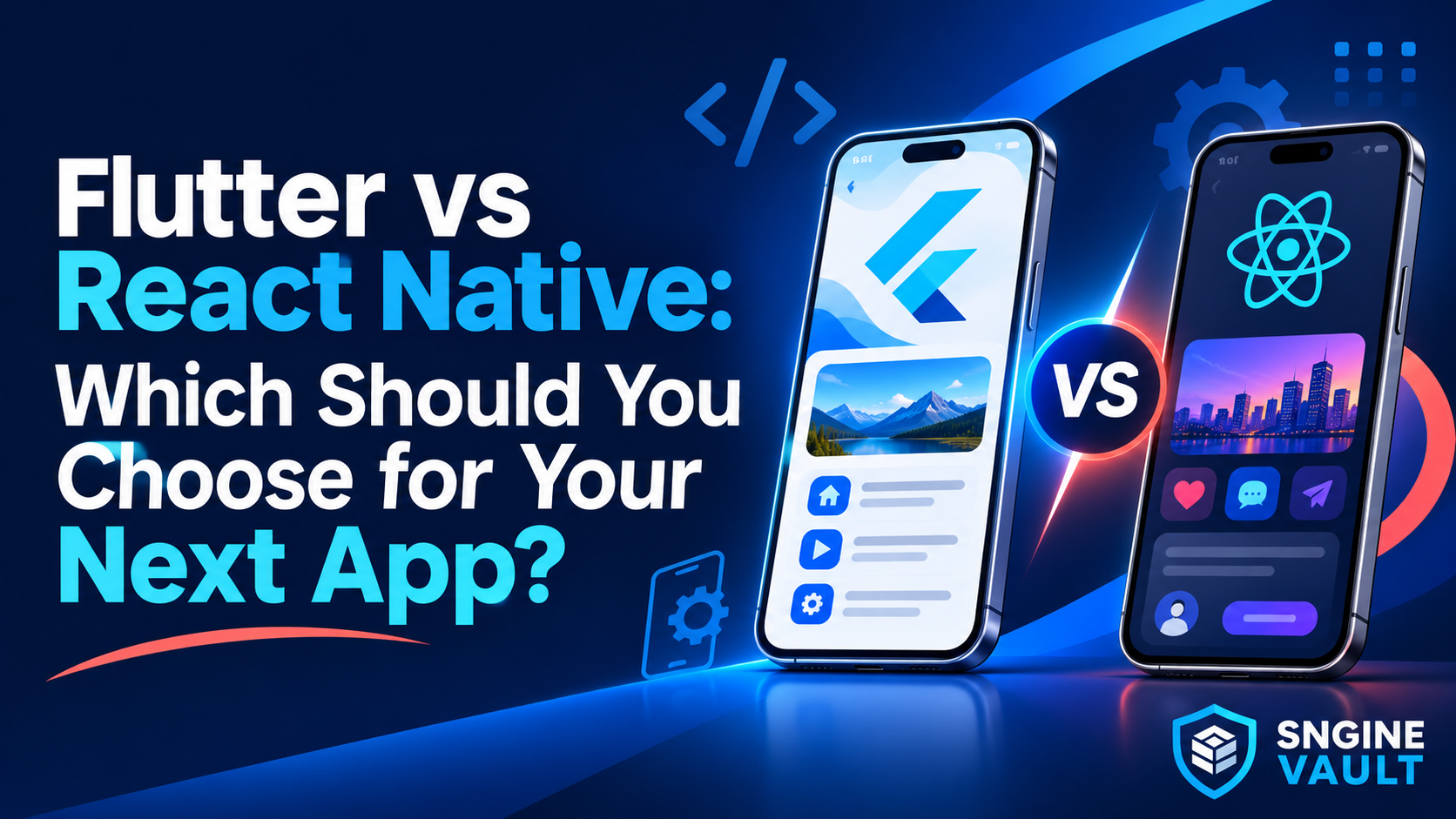
This Flutter vs React Native guide starts with that decision. We’ll compare the trade-offs, work through three realistic project situations and show how to evaluate an app template before committing your budget.
Flutter vs React Native: the practical answer
Start with Flutter when a consistent custom interface is a priority and you have a developer who is comfortable with Dart. Start with React Native when your team already works confidently with React and JavaScript or TypeScript, particularly when that knowledge can carry into the mobile project.
If you’re buying a template, add a third factor: how much of your actual product it already implements. A maintained template with the right workflows can matter more than a small theoretical advantage between frameworks.
| Your priority | Flutter | React Native |
|---|---|---|
| Team skills | Dart and Flutter’s widget model | React with JavaScript or TypeScript, plus mobile-specific knowledge |
| Interface approach | A widget and rendering system that gives substantial control over the UI | React components, including components backed by native platform views |
| Starting a new project | Flutter tooling and a chosen app architecture | A framework such as Expo is the official recommended starting route for many new apps |
| Device-specific features | Check plugins and any required platform code | Check native libraries and compatibility with the project’s build workflow |
| Template purchase | Verify Flutter/Dart versions, included backend and build instructions | Verify React Native/Expo versions, included backend and build instructions |
Neither column is a guarantee of lower cost, better performance or easier maintenance. Those outcomes depend on the app you build and the people responsible for it.
What is actually different?
Flutter is a cross-platform UI toolkit using Dart. Its own widget and rendering approach gives developers control over how an interface is drawn. This can be useful for a strongly branded experience that should look consistent across Android and iOS.
React Native brings React’s component model to mobile development. Its core components include native platform-backed views. That is different from simply placing a website inside a WebView. However, sharing React knowledge does not mean a browser-based React interface can be copied unchanged into a mobile app.
Both approaches still need thoughtful platform behaviour. Back navigation, keyboard handling, permission prompts, safe areas and accessibility deserve attention on each operating system. A shared codebase reduces duplication; it does not remove the need to test both apps.
Where Expo fits
Expo is part of the React Native ecosystem, not a third competing UI framework. The React Native setup guide recommends using a framework for new apps and points to Expo as an option that supplies common project capabilities.
When assessing a template, ask whether it uses Expo and which workflow it expects. A preview running in Expo Go is useful, but it is not evidence that every production integration is ready. Development builds support a project’s own native dependencies and configuration. Confirm how the seller builds the actual Android and iOS applications.
Three projects, three different decisions
The following situations are fictional decision examples, not reviews or benchmarks of specific marketplace products. Notice how the recommendation changes when the team and requirements change.
1. A small business wants a booking app
A salon needs customers to browse services, choose a time, receive reminders and manage bookings. The owner will hire a freelancer to customize a template and maintain it after launch.
Here, start with the workflow rather than the framework. Can staff block unavailable times? What prevents two customers from booking the same slot? Can a customer cancel, and does the admin panel reflect that change?
Suppose the Flutter option includes a documented booking backend and admin panel, while the React Native option is a collection of attractive screens. If both developers are equally capable, the Flutter option may leave less implementation work. Reverse those deliverables and the recommendation may reverse too.
The deciding factor: the completeness of the product and the availability of someone who can maintain it. A framework badge cannot compensate for a missing booking system.
2. A React team wants to add a customer mobile app
A business already has React developers maintaining a web dashboard. The mobile app needs customer accounts, order history and support messages connected to an existing API.
React Native is a sensible first option because the team can reuse its understanding of components, state and TypeScript. Some non-UI code, such as validation or API types, may also be reusable when it is not tied to browser APIs.
The team should still budget for mobile navigation, secure credential storage, app lifecycle behaviour, notifications and release builds. React experience is an advantage, not proof that the first mobile release will be effortless.
The deciding factor: using existing skills without underestimating the mobile work. Test the hardest integration before assuming the web team’s tooling transfers directly.
3. A new product depends on a distinctive interface
A founder wants a habit-tracking app with custom progress visuals, animated transitions and a carefully controlled visual identity. There is no existing React codebase to preserve, and a Flutter developer is available.
Flutter is a reasonable first choice for this situation. The team can build around a shared visual system and assess how the most demanding screen behaves on its target phones.
React Native can also deliver custom interfaces and animations. The choice is not “Flutter can do this and React Native cannot.” It is which implementation the actual team can build, test and maintain with less uncertainty.
The deciding factor: a prototype of the defining interaction, built by the developer who will own the project. Test large text, a small screen and a lower-powered phone before approving the design.
Which framework performs better?
There is no useful universal winner without specifying the workload, devices and implementation. A slow API, oversized images or an inefficient list can undermine an app built with either framework.
For a template purchase, request a realistic demo build and test the journey your customers will repeat. A smooth home-screen animation says little about a long product list, a camera upload or returning from the background.
Use the same acceptance checks for both candidates:
- First usable screen: after a cold launch, can the customer begin the main task promptly?
- Realistic content: does scrolling remain usable with representative images and enough records to require pagination?
- Interrupted journeys: what happens if the network drops during a request or the app is backgrounded?
- Repeated actions: do rapid taps trigger duplicate submissions or inconsistent screens?
- Accessibility: can the main task be completed with larger text and a screen reader?
For diagnosis, Flutter recommends profiling on physical devices in profile mode. React Native’s performance guidance also warns that development mode affects performance and recommends checking release builds. Do not compare one framework’s debug demo with the other’s optimized release.
Record the device, build type, network conditions and data used. Without those details, a claim that one template is “faster” is hard to evaluate or reproduce.
Features and integrations can settle the choice early
Most app plans include at least one feature that is harder than the screens around it: a particular payment provider, Bluetooth device, background location service, camera workflow or notification requirement.
Before selecting a framework, identify that feature and confirm a maintained integration exists for your target platforms and project versions. “There is a package for it” is only the beginning. Check whether the package supports the exact behaviour you need and whether the template already uses it successfully.
Flutter can call platform-specific code through mechanisms such as platform channels. React Native projects can also include native integrations. In either case, bespoke native work changes the skills and maintenance budget the project requires.
Write one concrete acceptance test. For example: “A notification opens the correct order after the app has been closed, and also works when it is already running.” Ask the developer to demonstrate that behaviour on Android and iOS. This is more useful than comparing the total number of packages in each ecosystem.
What changes the development budget?
The framework is only one part of the cost. Compare the same scope when requesting estimates: customer app, backend, admin interface, integrations, testing, store submission and maintenance.
A practical planning formula is:
Launch budget = template + customization + missing functionality + backend setup + testing and release work.
Then estimate recurring hosting, third-party services and maintenance separately. A template’s purchase price is not the final project budget.
Ask each developer to separate configuration from new development. Replacing colours and icons is different from introducing a new payment flow. Reconnecting an included backend is different from building one. This makes competing Flutter and React Native proposals easier to compare.
Our guide to launching a Flutter app from a template explains the broader cost categories. The same habit of separating purchase, launch and ongoing costs is useful when evaluating a React Native project.
How to choose a template you can maintain
Once you have a likely framework, compare complete products rather than screenshots. Look for clear documentation, a useful changelog, supported platform versions and an explanation of what is included.
Ask the seller which Flutter or React Native version the source targets, and which Expo SDK it requires if applicable. Confirm that the supplied instructions can produce a fresh build in accounts you control. A demo maintained by the seller may depend on configuration that is missing from the downloadable project.
Have your developer review the state management, navigation, backend integration and dependency list. They do not have to prefer every implementation choice, but they should be able to explain how they would add a feature and upgrade the project later.
Also clarify whether the purchase includes backend source, an admin panel and setup support. Keep your own developer accounts, signing material and service configuration under your control. Those handover details matter long after the initial visual customization.
Make the decision in this order
- Write down the main user journey. Describe what someone must complete, including failure and cancellation paths.
- Identify the hardest integration. Verify support before committing to a framework or template.
- Choose who will maintain the app. Give their proven skills real weight.
- Compare suitable templates. Count missing functionality and upgrade work, not only the purchase price.
- Validate a representative build. Use real devices and realistic content before expanding the scope.
For a React team building a conventional customer app, React Native is often the sensible first shortlist. For a team comfortable with Dart that wants strong control over a custom interface, Flutter is a sensible starting point. If your project is template-led, let the quality and completeness of the available implementation influence the final choice.
Explore app templates on Sngine Vault and compare candidates against the same requirements. Choose the one that your developer can turn into a reliable product and maintain after launch, rather than the one that wins a generic framework debate.
This guide focuses on Android and iOS app decisions. Technical references were checked in October 2026; verify the exact framework, SDK and package versions supported by any template you buy.